Having weak mobile phone signal reception inside buildings is more common than ever. Modern construction materials like reinforced concrete, metal framing, insulated glass, and thick walls often interfere with mobile signals. Whether you’re at home, at work, or managing a commercial property, knowing how to accurately check your mobile phone signal can help you diagnose coverage issues and find the right solution. In this guide, we break down the best, most reliable methods to test indoor signal strength and understand what’s causing poor service.

1. Use Real Mobile Phone Signal Strength Measurements, Not Signal Bars
The signal bars on your mobile phone are not a reliable indicator of actual mobile phone signal strength. They are generic visual indicators that vary by device, model, and network. To get accurate information, you need to check your dBm or RSRPreading.
How to check real mobile phone signal strength:
- iPhone: Dial 3001#12345# → Field Test Mode
- Android: Settings → About Phone → Status → SIM Status → Signal Strength
Understanding the numbers:
- –70 dBm to –80 dBm = Excellent signal
- –90 dBm = Good
- –100 dBm = Weak
- –110 dBm or lower = Very poor / unusable
Checking real signal values allows you to evaluate your coverage scientifically, not visually.
2. Test Multiple Locations Inside the Building for mobile Phon Signal
Mobile Signal strength changes drastically from one area to another. Walk through rooms and take readings in the following spots:
- Near windows
- Hallways and open areas
- Rooms with heavy insulation
- Basement and lower floors
- Attics, lofts, or upper floors
This helps identify “dead zones” and strong points in the building. Often, one side of a property receives better coverage because the nearest mobile mast is in that direction.
3. Check with a Different Network or SIM Card
Indoor coverage varies widely from one network to another. A location where one carrier struggles might give an excellent signal on another. If possible:
- Test using a second SIM card
- Ask a friend or colleague on a different network
- Compare results in the same rooms
This comparison quickly reveals whether the issue is network-specific or building-related.
4. Use Trusted Mobile Signal Checker Apps or Online Tools
Several apps and platforms provide deeper insights into mobile coverage:
- OpenSignal – shows real-time coverage stats and speed tests
- CellMapper – maps nearby mobile towers and signal types
- Network Cell Info (Android) – offers advanced readings and tower locations
These tools help you understand network availability, tower distance, and overall quality of your connection inside the building.
5. Identify Signal-Blocking Building Materials
Some materials weaken or completely block mobile signals. Common offenders include:
- Concrete walls
- Thick insulation
- Metal roofing and beams
- Double- or triple-glazed windows
- Foil-backed insulation
- Underground or semi-basement rooms
If your readings show extremely weak indoor signal but strong outdoor signal, your building materials are likely the cause.
6. Consider Using a Mobile phone Signal Booster
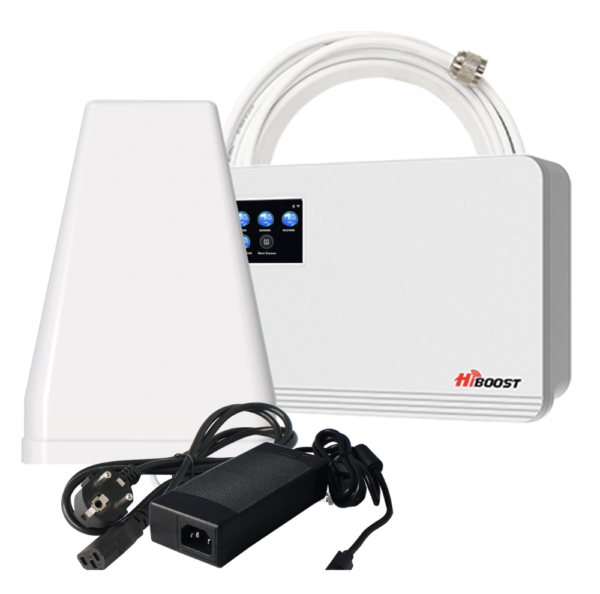
If tests show consistently poor indoor signal, the most effective long-term solution is installing a certified mobile phone signal booster. A booster captures the existing outdoor signal even if it’s weak and amplifies it inside your property. This improves call quality, reduces dropped calls, and boosts data speeds.
Final Thoughts
Checking mobile phone signals inside a building doesn’t require special tools just the right methods. By using real signal measurements, testing multiple rooms, comparing networks, and using professional apps, you can pinpoint indoor coverage issues with accuracy. And if the building itself is blocking the signal, installing a trusted mobile signal booster is the most reliable way to restore full indoor coverage.
if you require any help in signal improvement in your home and offices, please contact our team on [email protected] or call or WhatsApp us on +447874191006